
Computer Lab Check-in, Digital Technology
A system to monitor and audit student computer usage. Designed for the Digital Technology branch, Faculty of Science and Technology, Rajamangala University of Technology Suvarnabhumi.
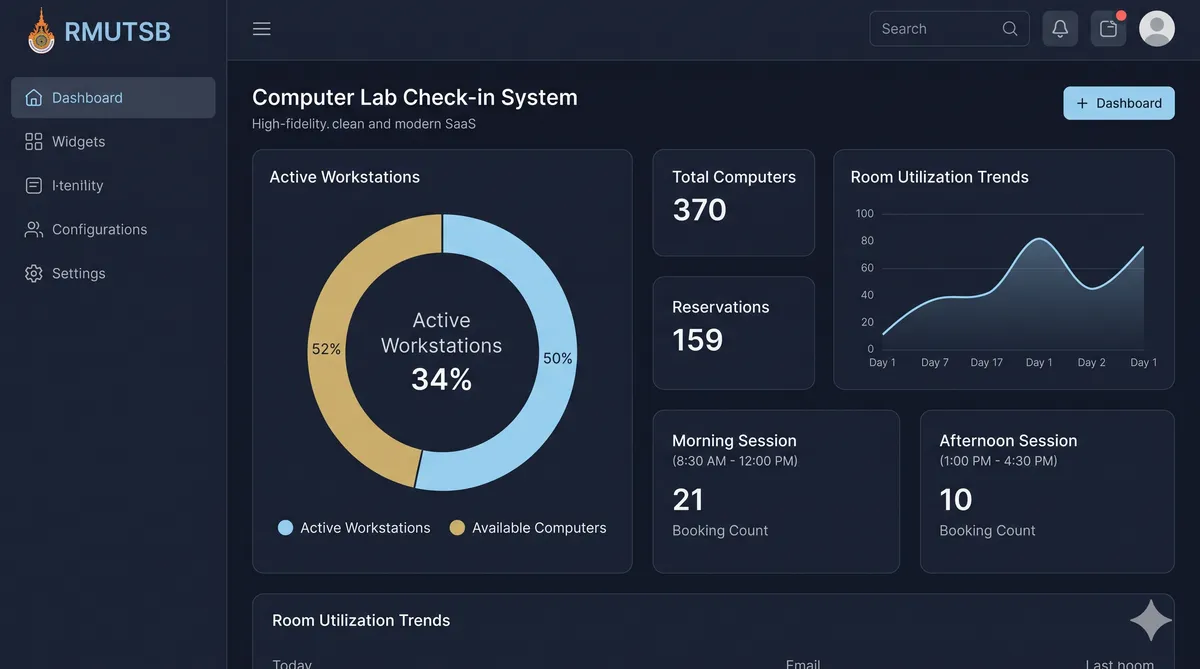
Why LabCheck
A streamlined system to track student computer usage in physical labs
QR Code Check-in
Students scan physical QR codes at computers to check in quickly with Google accounts.
Real-time Reports
Teachers can check live room occupancy and monitor computer usage in real-time.
Easy Exporting
Export daily usage reports by room to Excel (XLSX) and PDF format for attendance auditing.
Core Features
Everything needed to manage lab usage and verify student attendance
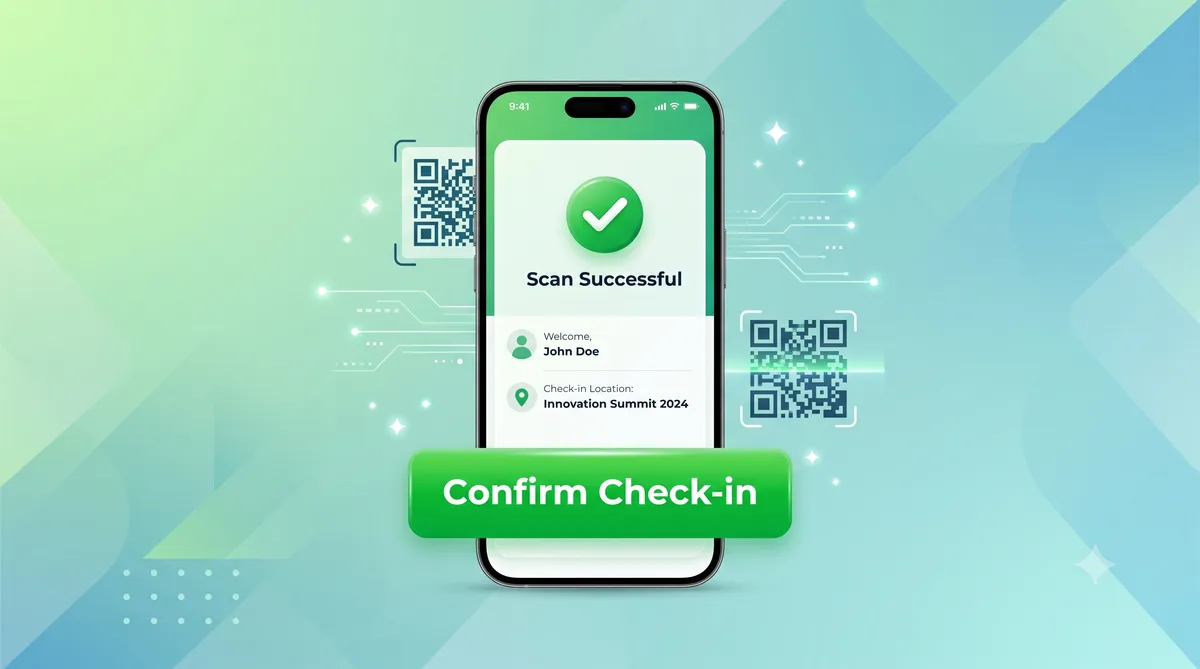
Fast QR Check-in
Scan a computer's QR code, sign in with university Google account, and check in instantly.
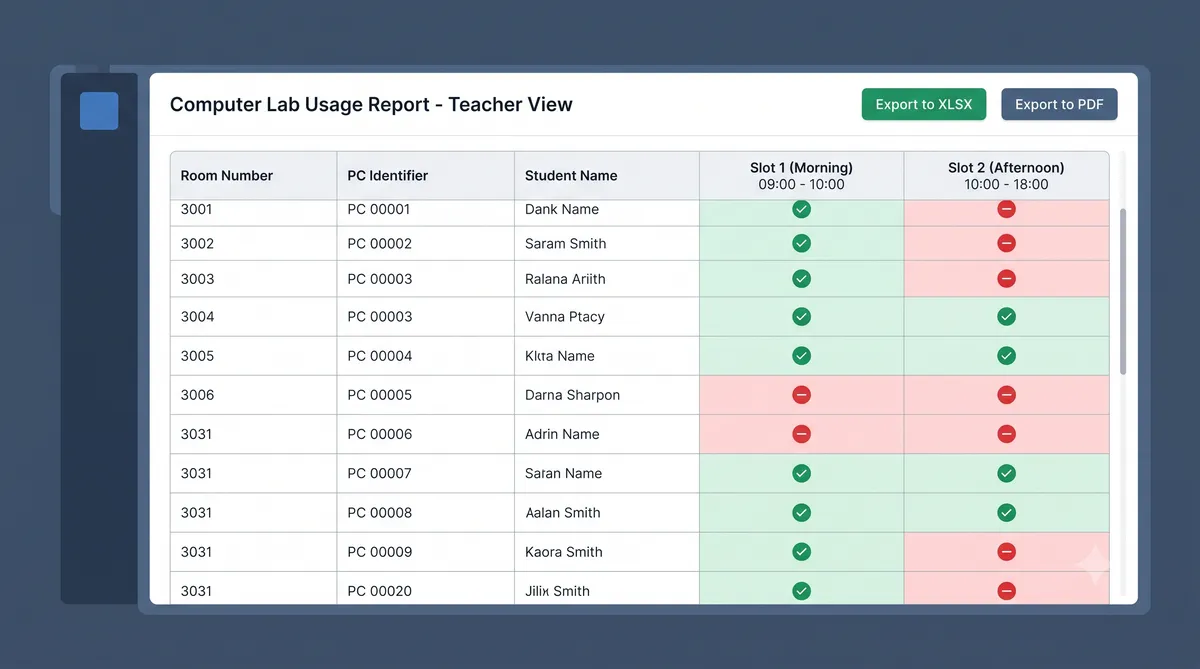
Usage Reports
Generate per-room daily computer utilization lists. Export to XLSX and PDF formats.
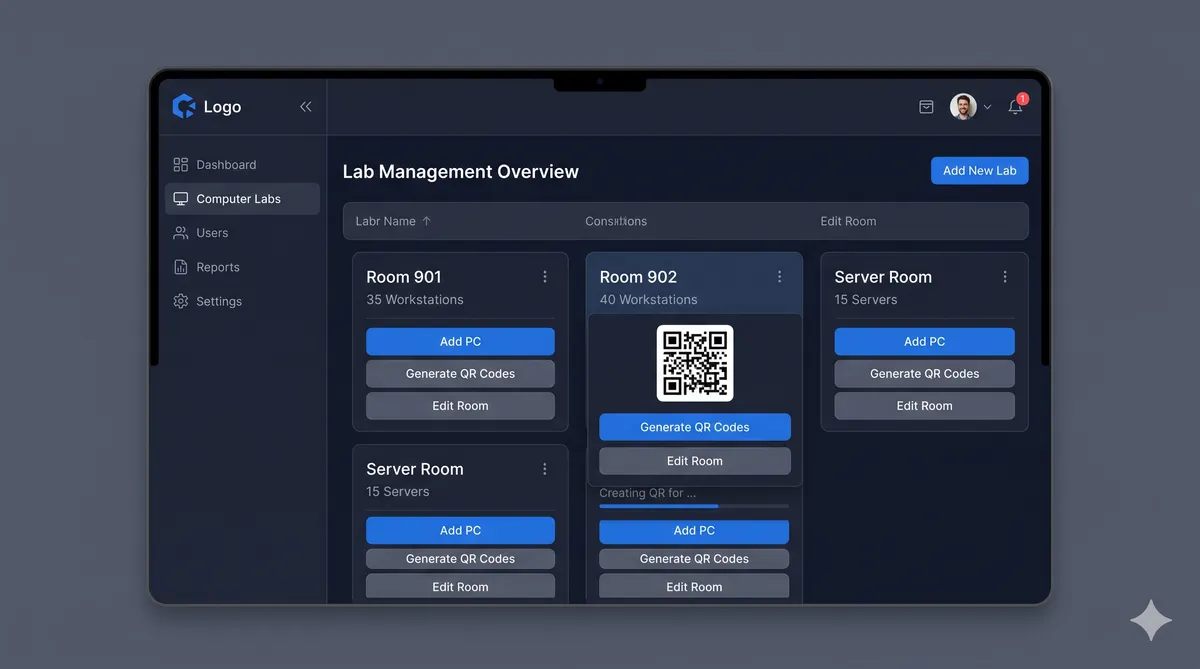
Lab & Asset Control
Create physical rooms, add computers with identifiers, and generate check-in QR codes.
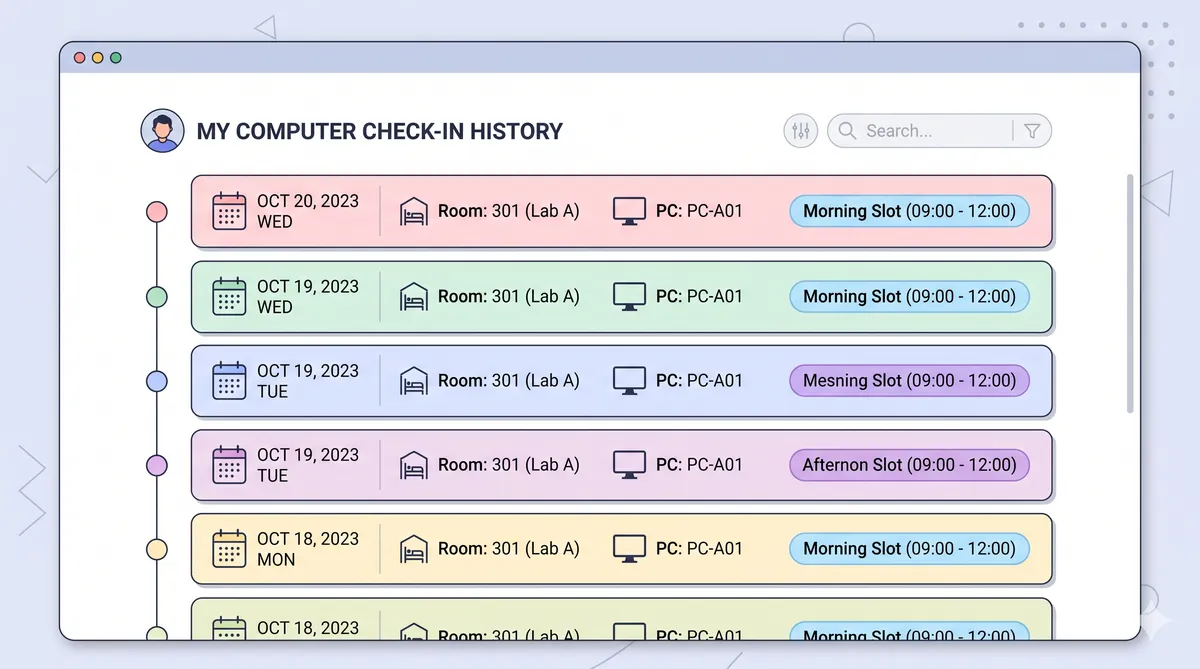
Usage History Log
Browse chronological list of checked-in computer slots (Morning/Afternoon) for transparency.
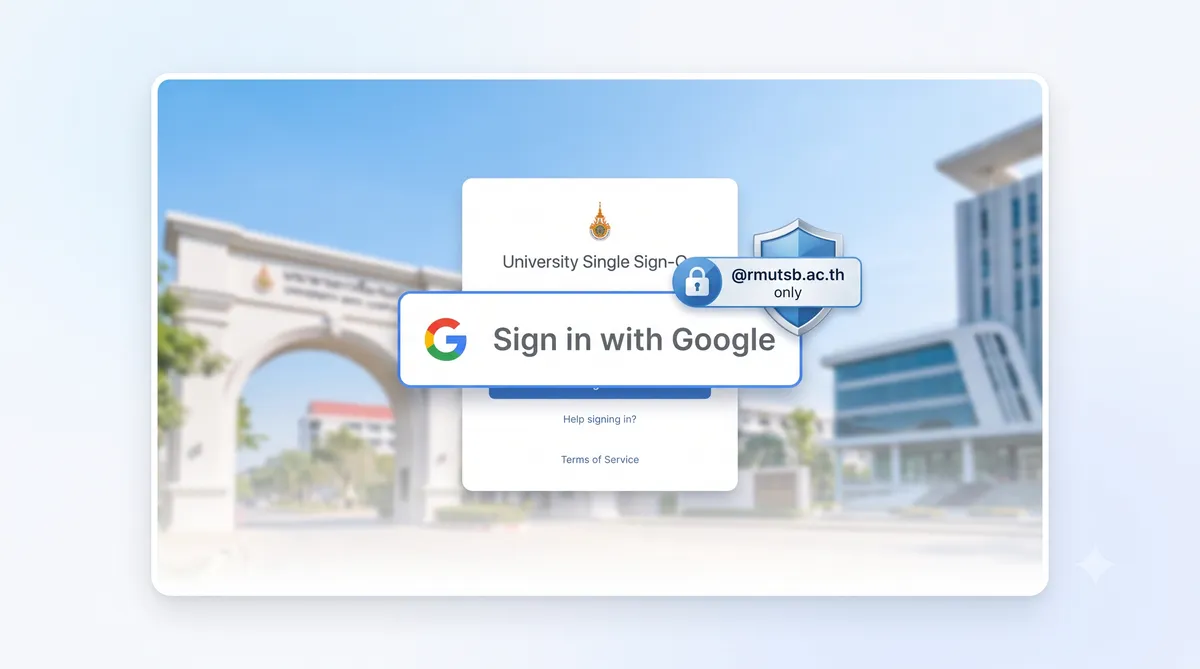
Google SSO Filter
Secure sign-in restricted exclusively to official university domain accounts (@rmutsb.ac.th).
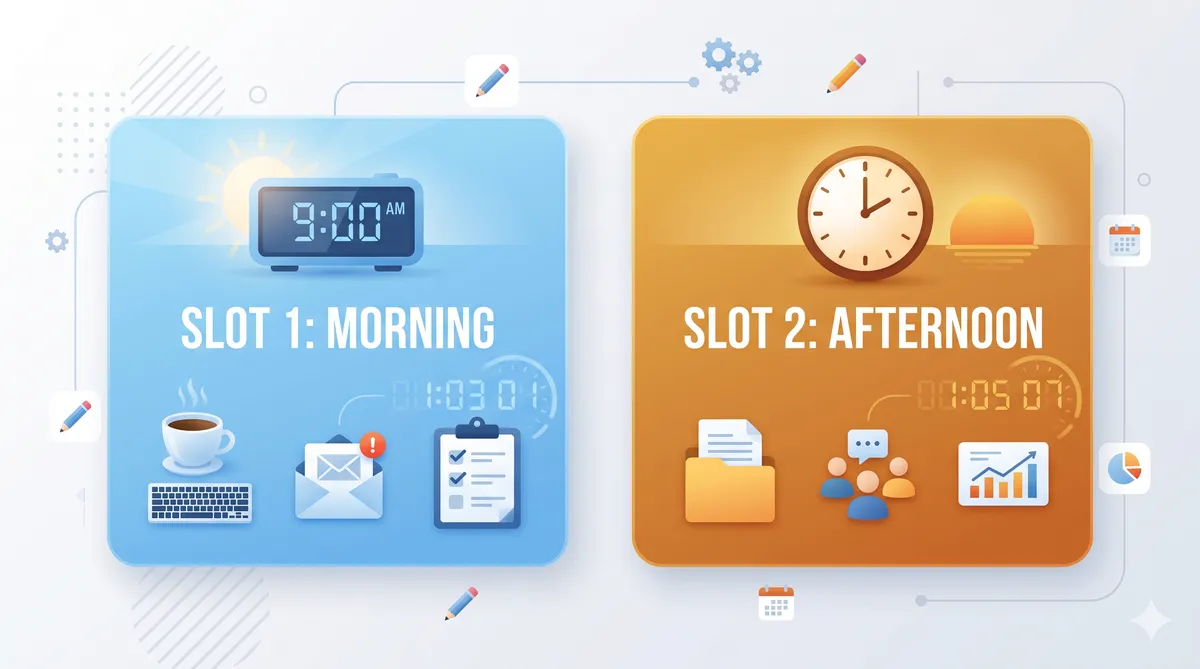
Slots & Auto-End
Track morning/afternoon slots with automatic session completion, removing checkout steps.
3 Simple Steps
Get checked in to your lab computer in under a minute
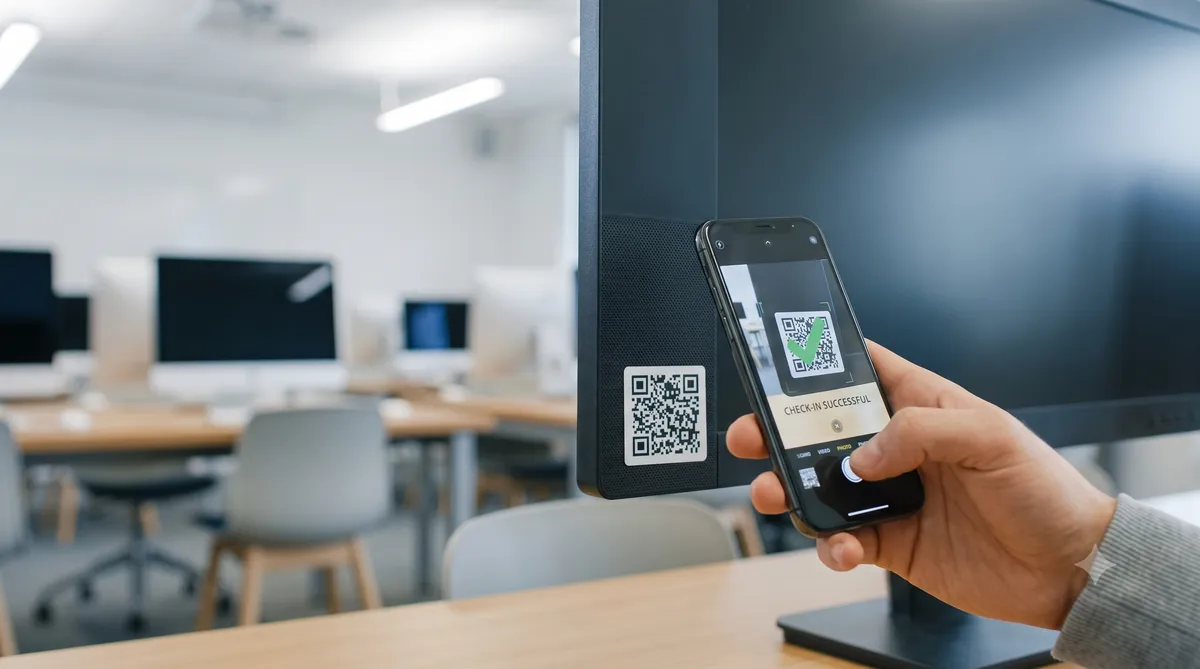
Scan the QR Code
Find the QR code sticker on your physical computer workstation and scan it with your phone.
Authenticate with Google
Log in using your official university student or teacher Google account (@rmutsb.ac.th).
Start Working
Confirm the check-in on screen. Your session is registered for the current time slot.
Designed for RMUTSB
Different roles access specific features to manage or use computer labs
Administrators
Manage lab rooms, computers, and roles; generate QR codes.
Students
Scan QR codes to check in to terminals and view personal history.
Teachers
Access occupancy reports and download spreadsheets for attendance.
Digital Technology
Branch of Faculty of Science & Tech driving educational innovation.
Development & Support
Created for the Digital Technology branch, RMUTSB

Digital Technology Branch
Rajamangala University of Technology Suvarnabhumi
Faculty of Science and TechnologyRMUTSB Lab Check System